
Overview
The MalwareBazar integration allows autobotAI to connect with MalwareBazaar's malware sample repository, enabling threat intelligence enrichment and malware analysis. Access malware samples, file hashes, and threat indicators to identify malicious files, validate security alerts, and enhance threat detection with community-driven malware intelligence.
This guide provides instructions for setting up MalwareBazar integration in your autobotAI account.By completing this process, you will connect your MalwareBazar Account and its associated resources to the platform.
Prerequisites
Before starting, ensure you have:
- A MalwareBazar Account with the necessary administrative privileges
- An API key from MalwareBazaar to authenticate and access the malware repository.
Steps to Set Up MalwareBazar Integration
Step 1:
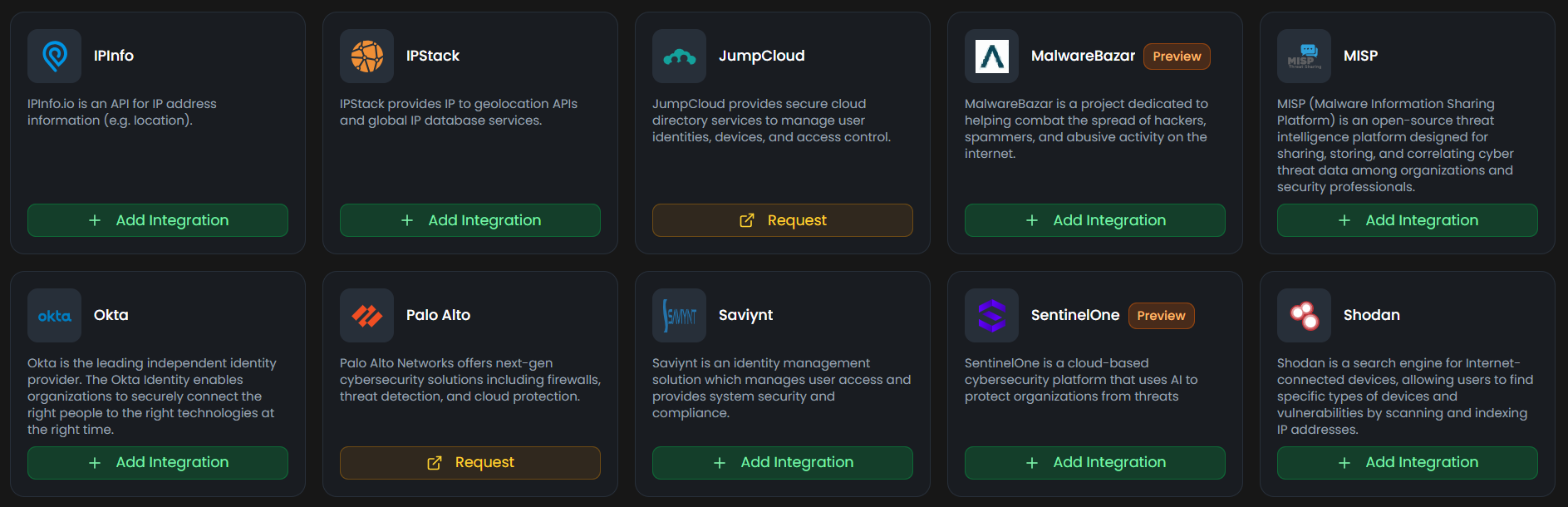
Navigate to the Integrations page by selecting Integrations from the menu. Click the + Add Integration button in the top-right corner to view the list of available integrations.

Step 2:
From the list, under the Security Tools section, select MalwareBazar + Add to create the MalwareBazar integration.
Step 3:
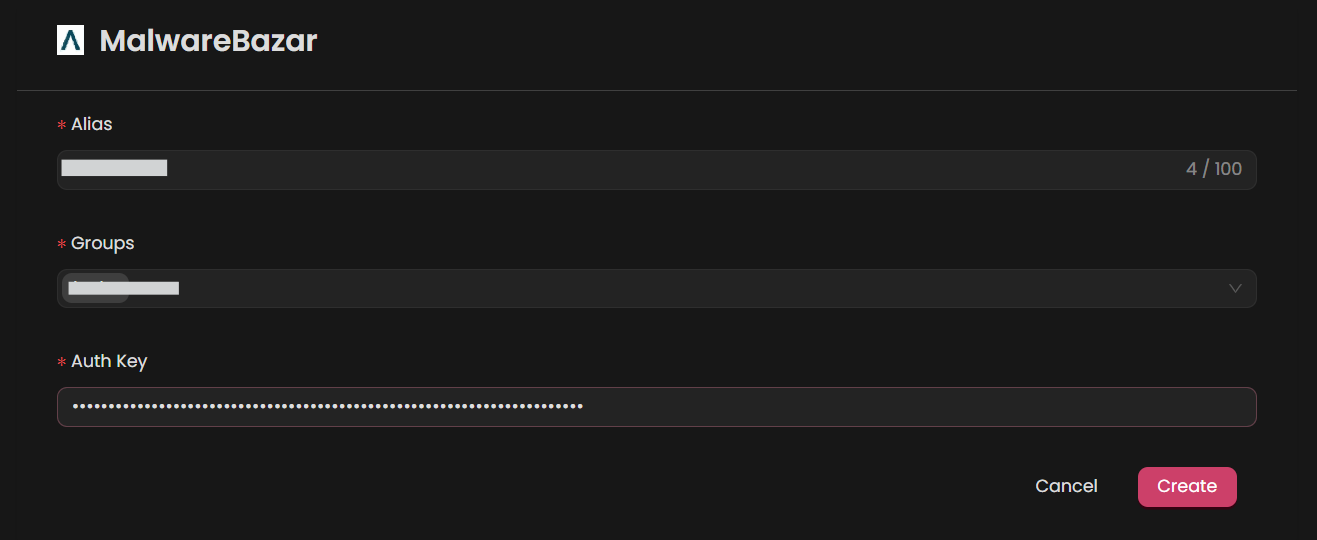
Fill in the required fields according to your integration type:
Note: Fields marked with an asterisk (*) are mandatory.
- Alias: Provide a meaningful name or alias for this integration.
- Tag(Optional): Choose a tag to help organize the integration.
- Auth Key: Enter the MalwareBazar Api key
Verify the information, then click Create to complete the integration.
Step 4:
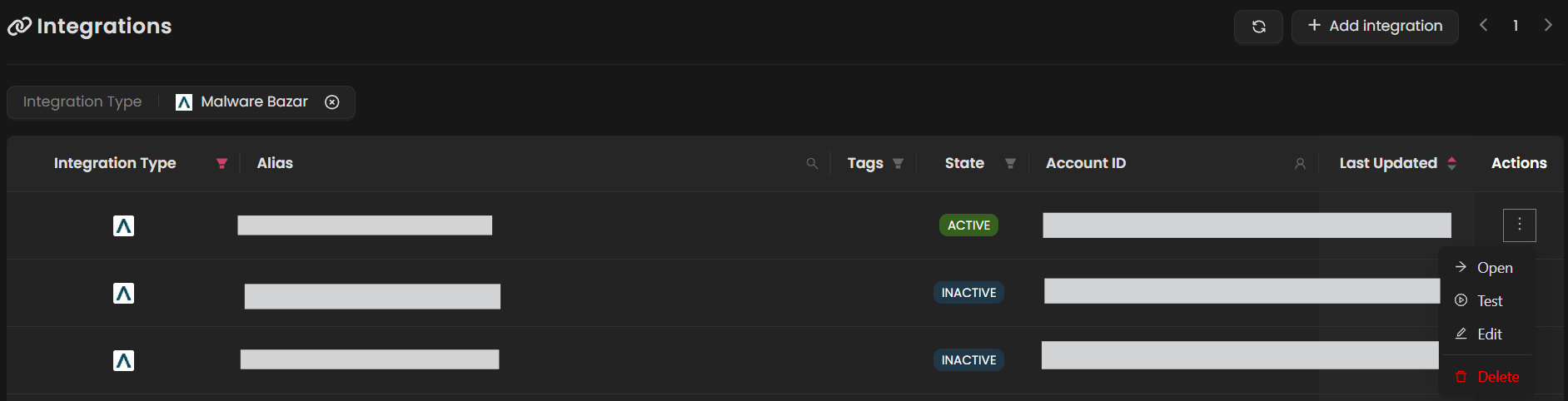
After the integration is successfully created, locate it under Integrations. Click on the three dots on the left side and select Test to ensure your integration is properly configured with autobotAI.
Additional Information
How to Create an Api key
To obtain an API key, do the following:
-
Create a Abuse Account:
- If you don't have an account, go to Abuse and sign up for a new account.
-
Get Auth Key:
-
Complete your profile details
-
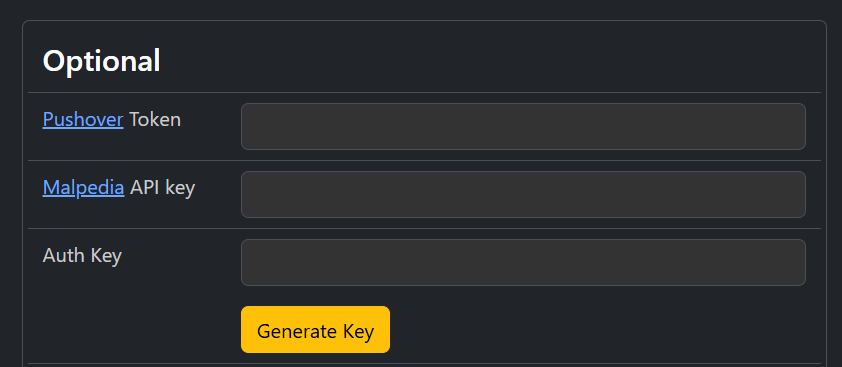
Scroll down to the "Optional" section
-
Locate the Auth key option
-
Click "Generate Key" to create your API key
-