AI runs through autobotAI at three levels: agents that do the work, builders that create automations with you, and assistance inside the settings of individual steps. Every use of AI works inside the same guardrails: it can only reach the tools you allow, its output is recorded, and changes still wait for approval where you require it.
Agents that do the work
| Feature | What it does | Guide |
|---|---|---|
| Optimus | The autonomous orchestrator. Investigates ad hoc, delegates to sub-agents and assembles harnesses around a goal | Investigate with Optimus |
| AI agent node | An agent with a goal and tools at one step of a workflow | AI agent node |
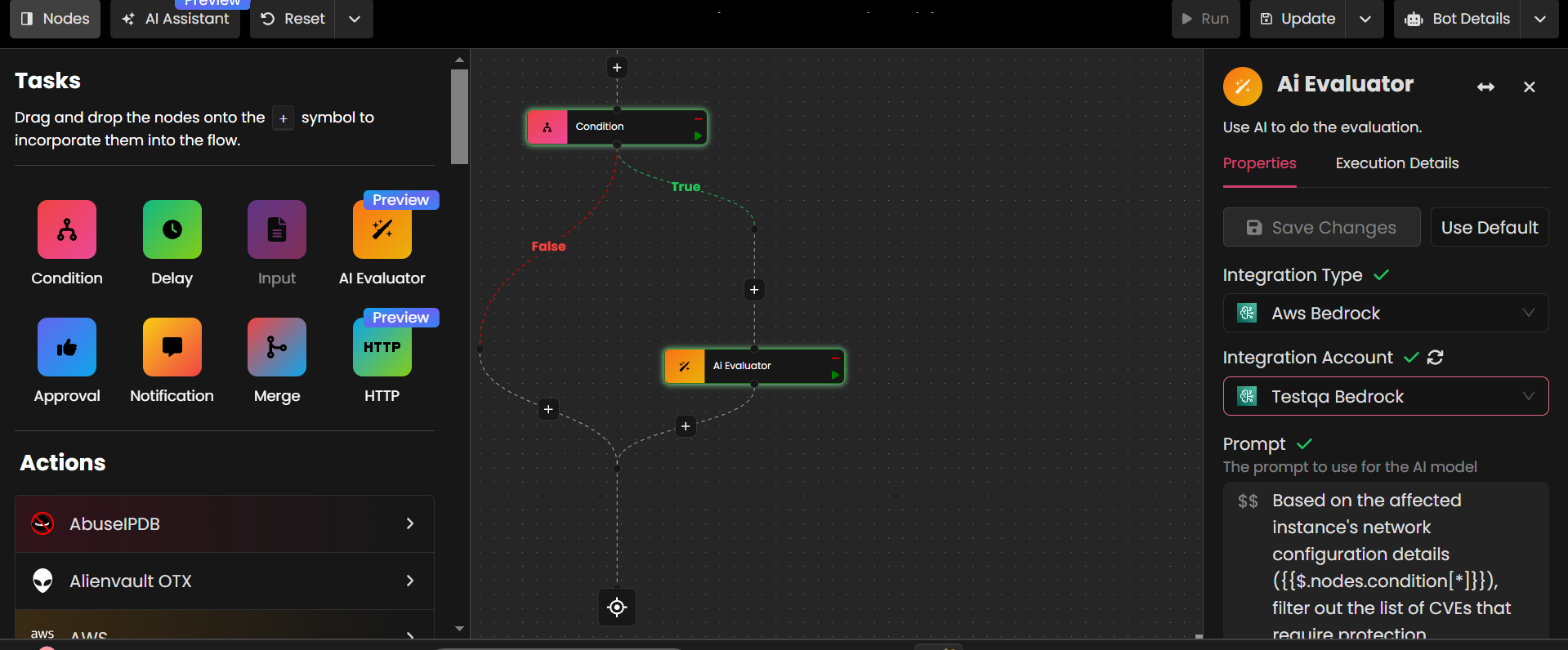
| AI evaluator node | Classifies, scores or decides at one step, such as "is this alert real?" | AI evaluator node |
| Offensive Security Agent | Authorized penetration tests against verified domains, repositories and internal targets | Offensive security scans |
Builders that create automations with you
| Feature | What it does | Guide |
|---|---|---|
| AI Builder | Drafts a workflow from a description, and edits one step at a time on the canvas | Build with AI Builder and Optimus |
| Magic Pen | Drafts a workflow to fix a compliance violation from the insight that detected it | Build from a detected insight |
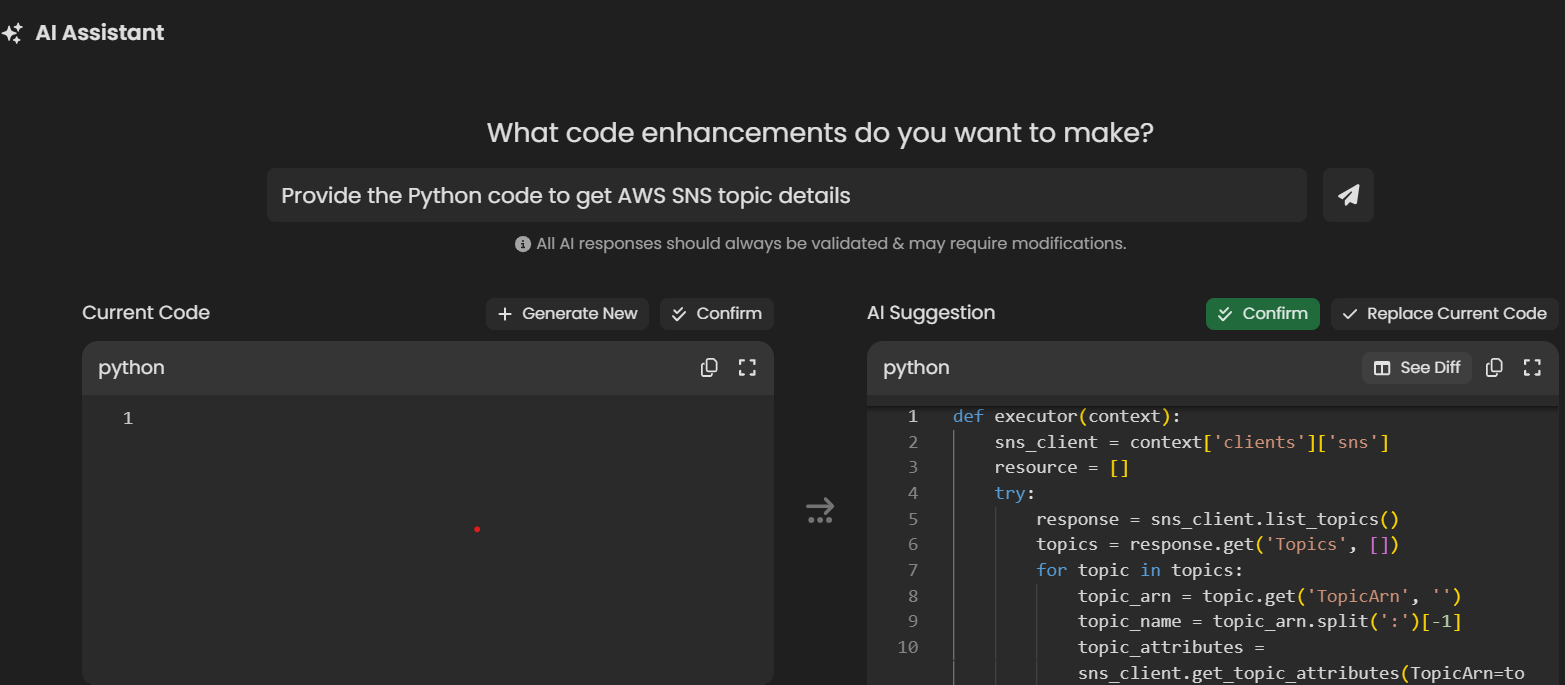
| Code generation | Writes the Python for a custom action from a description of what it should do | Actions |
Help inside each step
When you configure a node, AI can fill in the parts that are tedious to write by hand. You review and edit the result before saving.
- Approval nodes: a clear title and message for the approver, based on what the workflow found. See Approval node.
- Notification nodes: the title, content and format of a message. See Notification node.
- Parameters: parameters suggested from the action's context. See Parameters.
- New nodes: a suggested next step that fits the workflow so far.

AI that protects the platform
- Skill scans. Every skill version is scanned for malicious prompts and vulnerabilities before it can be published. See Skills.
- Responsible AI. How autobotAI designs, measures and governs its AI features. See the Responsible AI overview.
Choose the model
- A default for the workspace. Set the global AI configuration under User Settings > Settings > AI Settings. Builders, AI help in nodes and skill scans use it.
- A model per job. Choose a model for Optimus in its AI Model settings, and for each AI agent or evaluator node in its settings, so each task gets the right one: a fast model for classification, a reasoning model for investigation, a writing model for reports.
- Your provider. Amazon Bedrock keeps model calls inside your AWS account; you can also use OpenAI, OpenRouter, a self-hosted model through Ollama, and others. See Connect your AI models and Deployment and models.