Overview
The ServiceNow integration allows autobotAI to send automated notifications and alerts for IT incidents, service requests, and workflow updates. It connects with ServiceNow's cloud platform to manage IT services and workflows in one place. ServiceNow triggers real-time notifications when tickets are created, assigned, or resolved, keeping teams informed and ensuring timely responses to service issues across your organization.
This guide provides instructions for setting up an integration with ServiceNow in your autobotAI account. By completing this process, you will connect your ServiceNow account and its associated resources to the platform.
Prerequisites
Before starting, ensure you have:
- A ServiceNow Account with the necessary administrative privileges
Steps to Set Up ServiceNow Integration
Step 1:
Navigate to the Integrations page by selecting Integrations from the menu. Click the + Add Integration button in the top-right corner to view the list of available integrations.

Step 2:
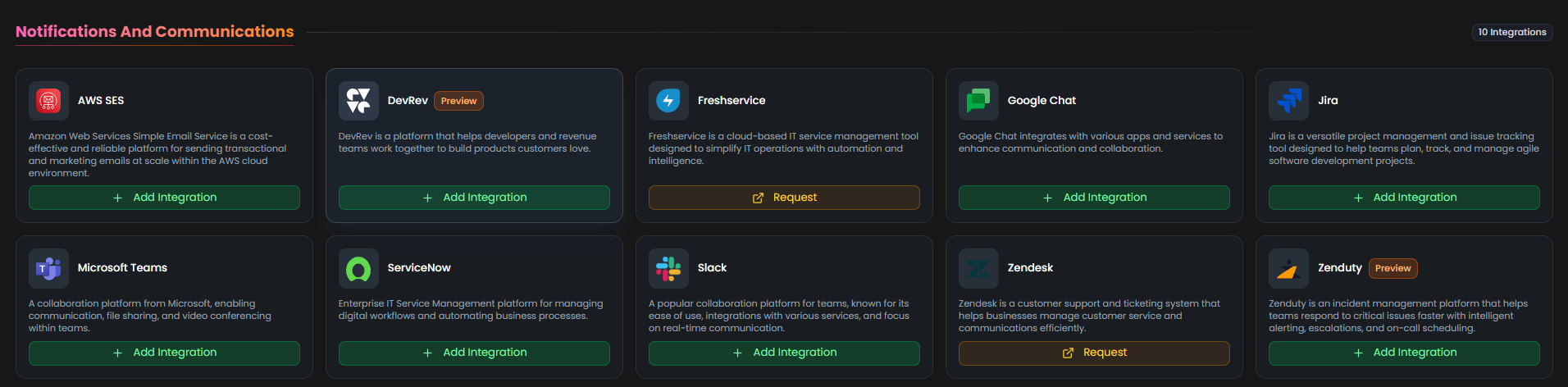
From the list, under the Notifications and Communications section, select ServiceNow + Add to create the ServiceNow integration.
Step 3:
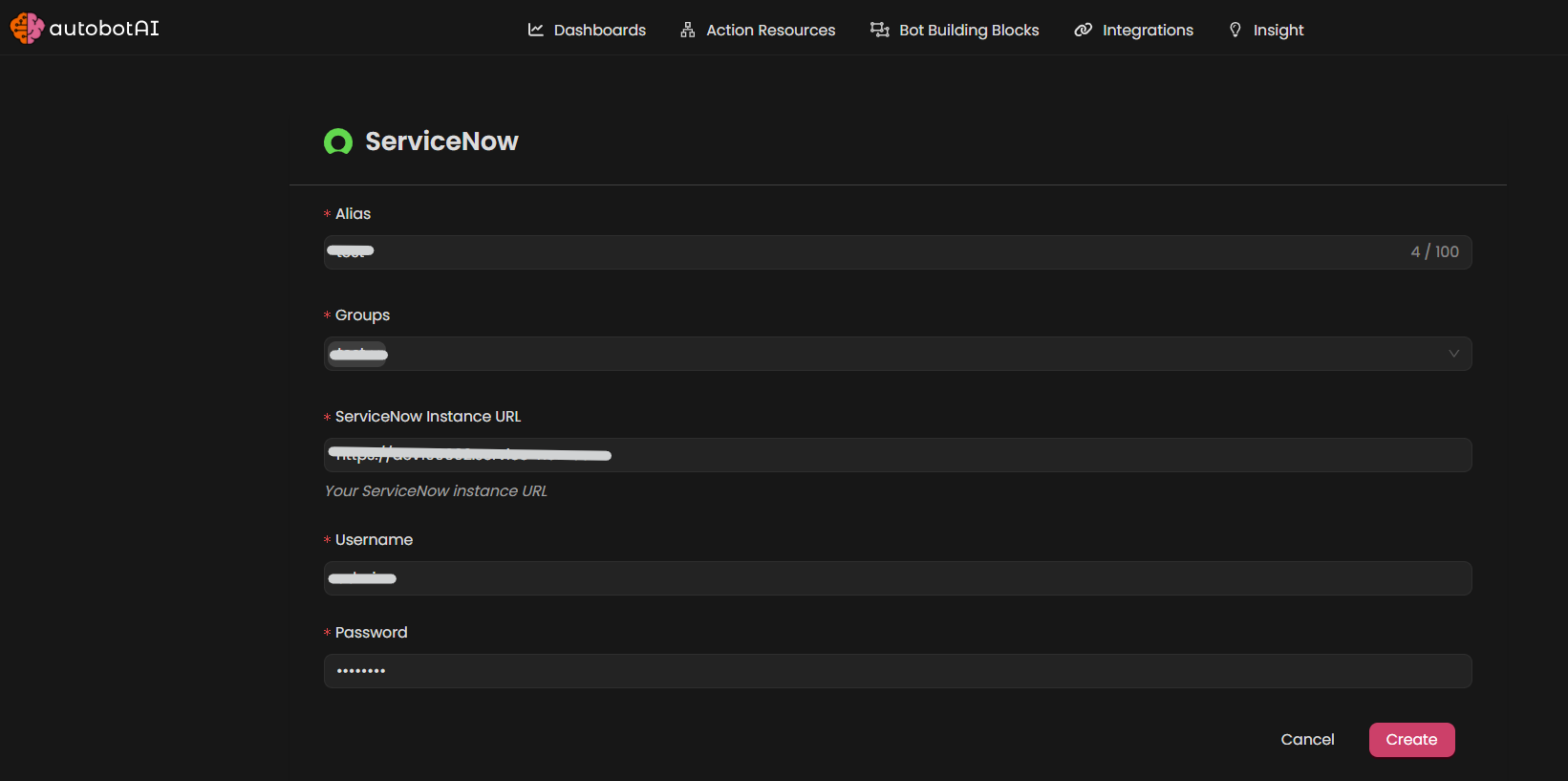
Fill in the required fields according to your integration type:
Note: Fields marked with an asterisk (*) are mandatory.
- Alias: Provide a meaningful name or alias for this integration.
- Tag(Optional): Choose a tag to help organize the integration.
- ServiceNow Instance URL: Enter Your ServiceNow Instance URL (for example:
https://dev12345.service-now.com) - Username: Enter Your ServiceNow Username
- Password: Enter Your ServiceNow Password
Verify the information, then click Create to complete the integration.
Step 4:
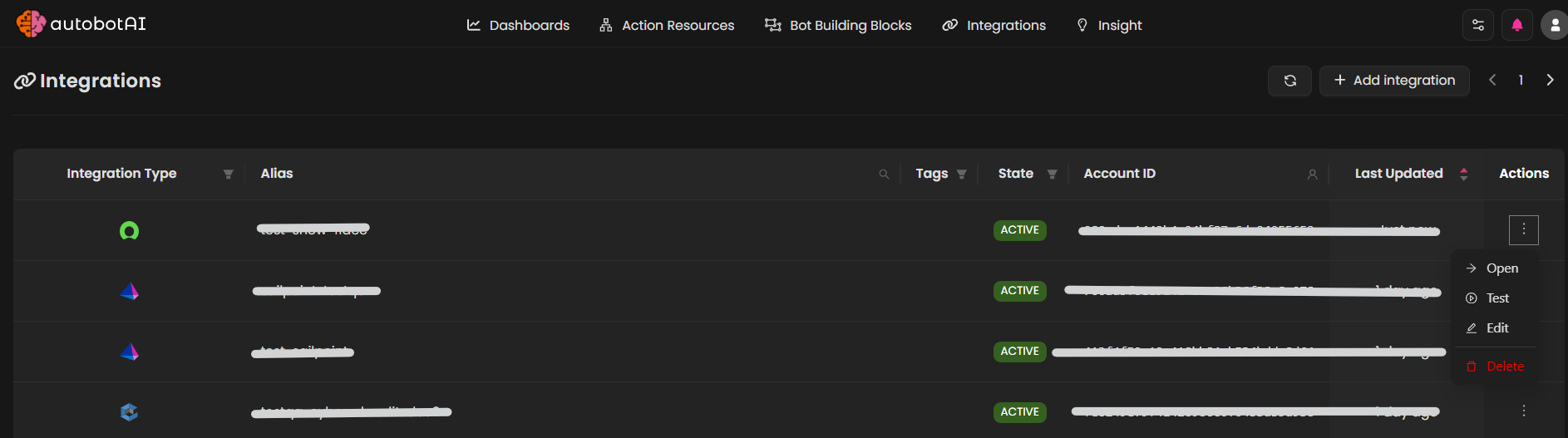
After the integration is successfully created, locate it under Integrations. Click on the three dots on the left side and select Test to ensure your integration is properly configured with autobotAI.
Additional Information
How to SetUp ServiceNow Account
-
Create a ServiceNow Account:
If you don't have an account, go to ServiceNow and sign up for a new account.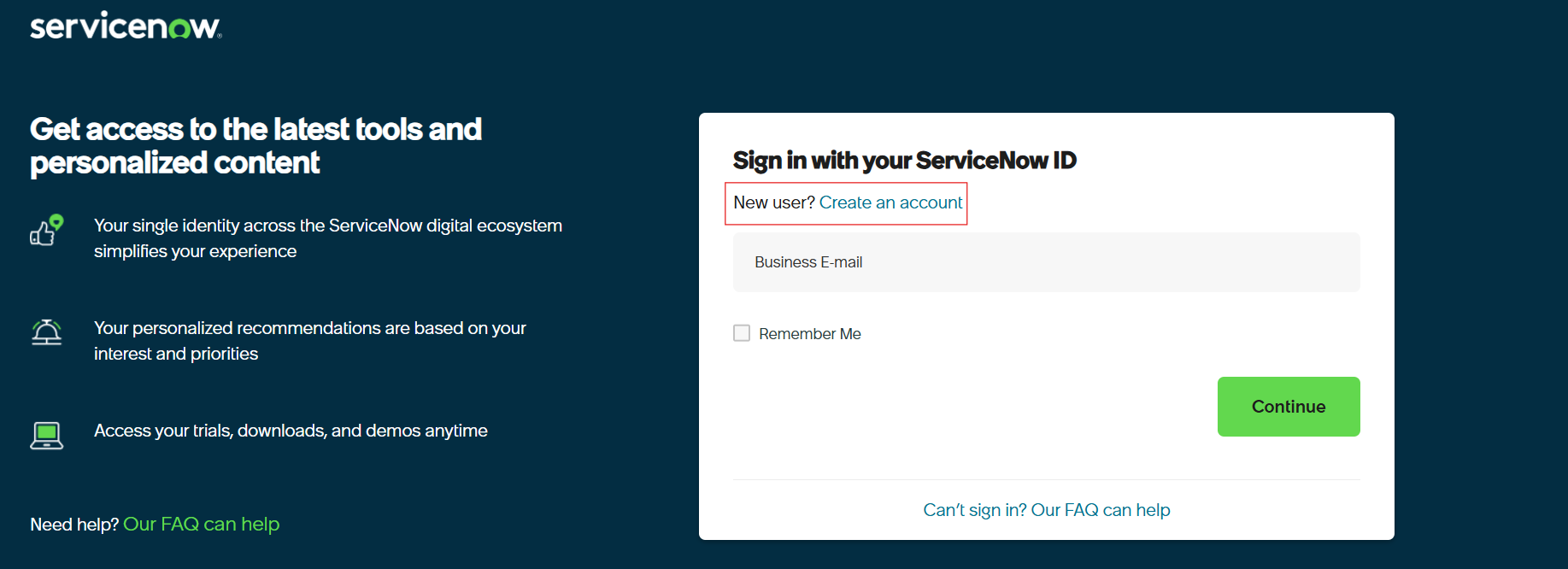
-
Log in to ServiceNow:
Go to ServiceNow and sign in with your ServiceNow credentials.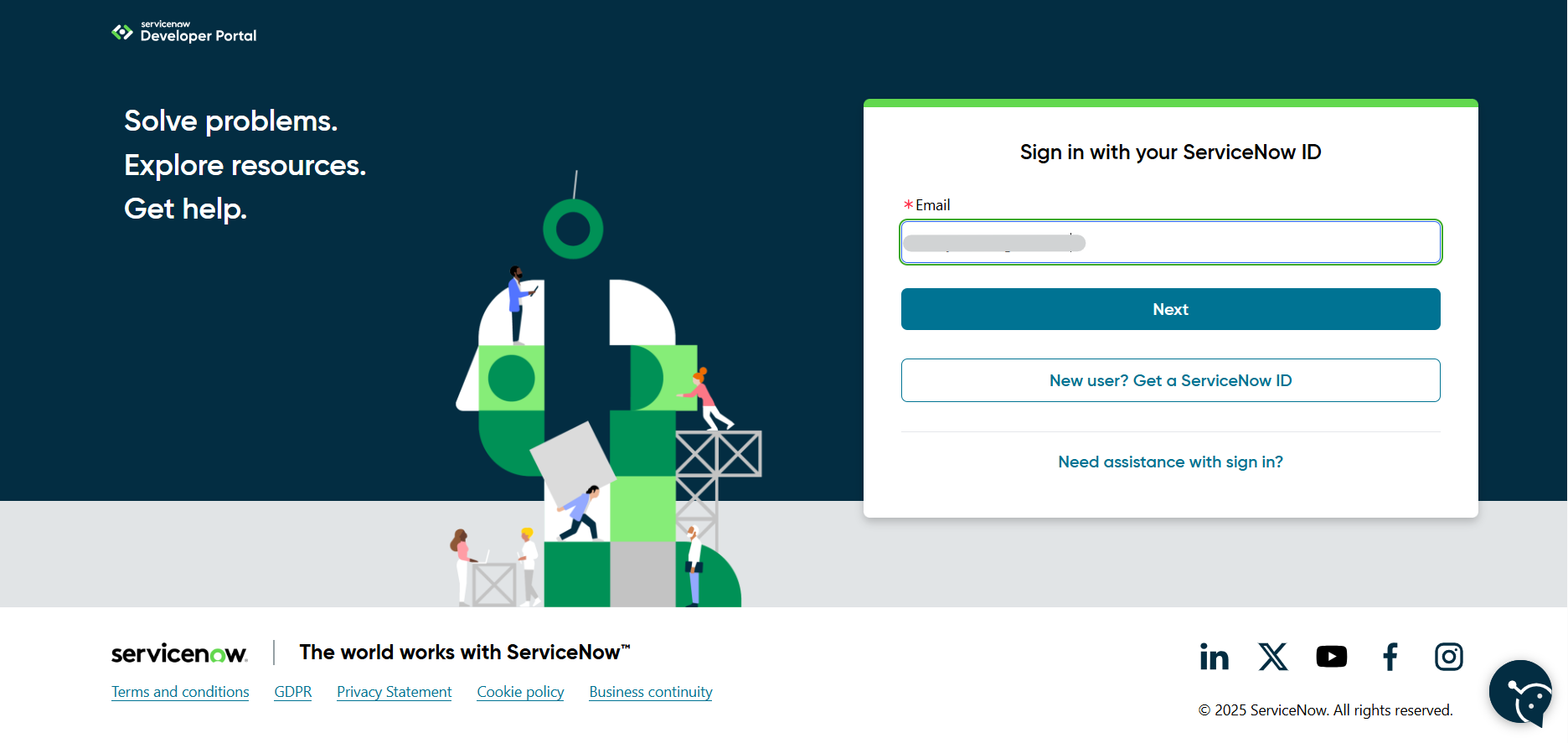
-
Access Manage Instance:
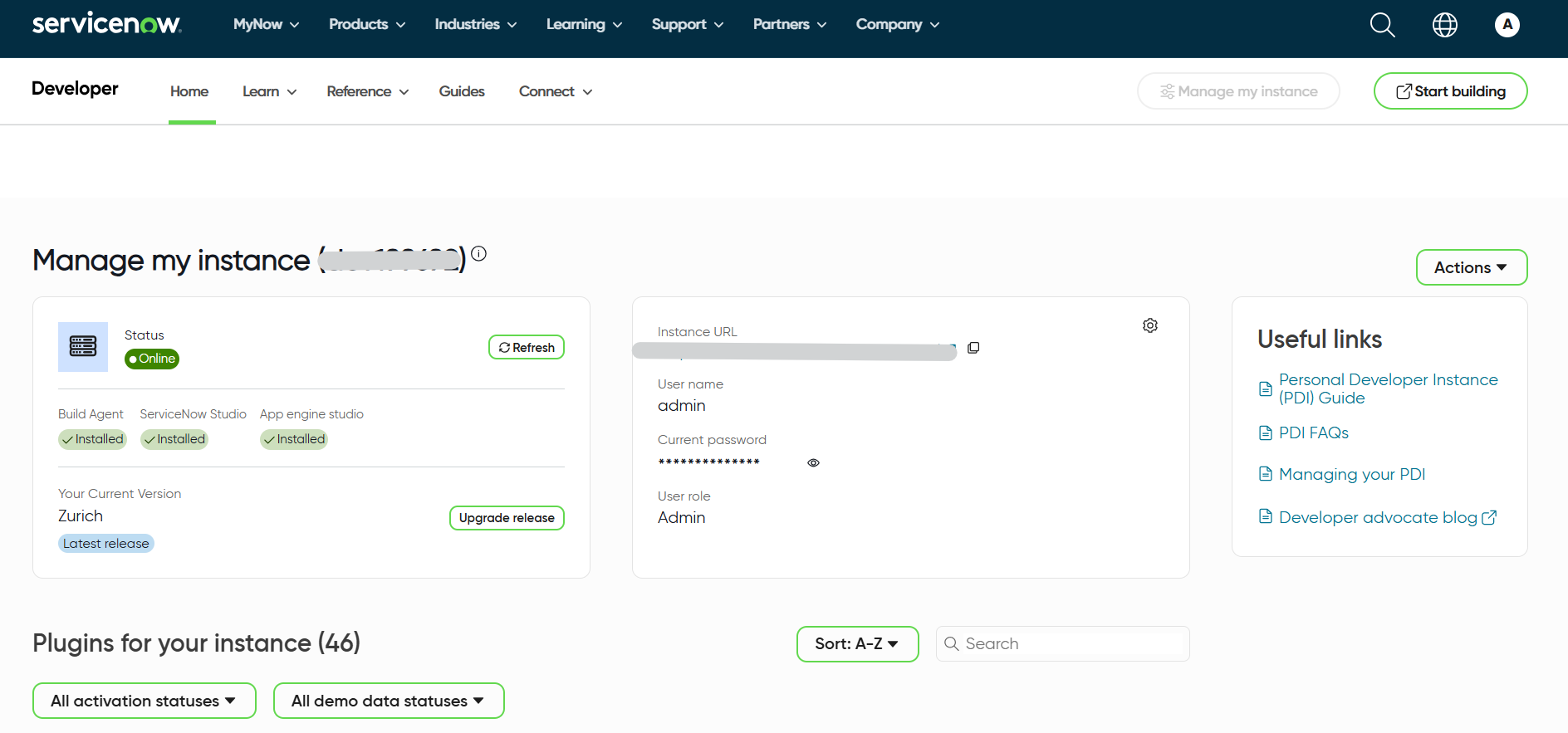
After logging in, you'll be redirected to the home page. Click on the "Manage Instance" option to proceed.
-
Get Instance Credentials:
On the Manage Instance page, you'll find your instance URL, username, and password. Copy these credentials as you'll need them for the integration.