
Overview
The SailPoint integration allows autobotAI to connect with SailPoint's identity governance platform for automated user provisioning, access management, and compliance workflows. This integration enables streamlined access requests, role-based access control, and real-time visibility into user entitlements across enterprise applications. By leveraging SailPoint's capabilities, autobotAI can orchestrate identity workflows, enforce compliance policies, and manage privileged access efficiently.
This guide provides instructions for setting up an integration with SailPoint in your autobotAI account. By completing this process, you will connect your SailPoint account and its associated resources to the platform.
Prerequisites
Before starting, ensure you have:
- A SailPoint Account with administrative privileges is required to generate the Client ID and Client Secret credentials needed for API authentication and integration setup.
Step 1:
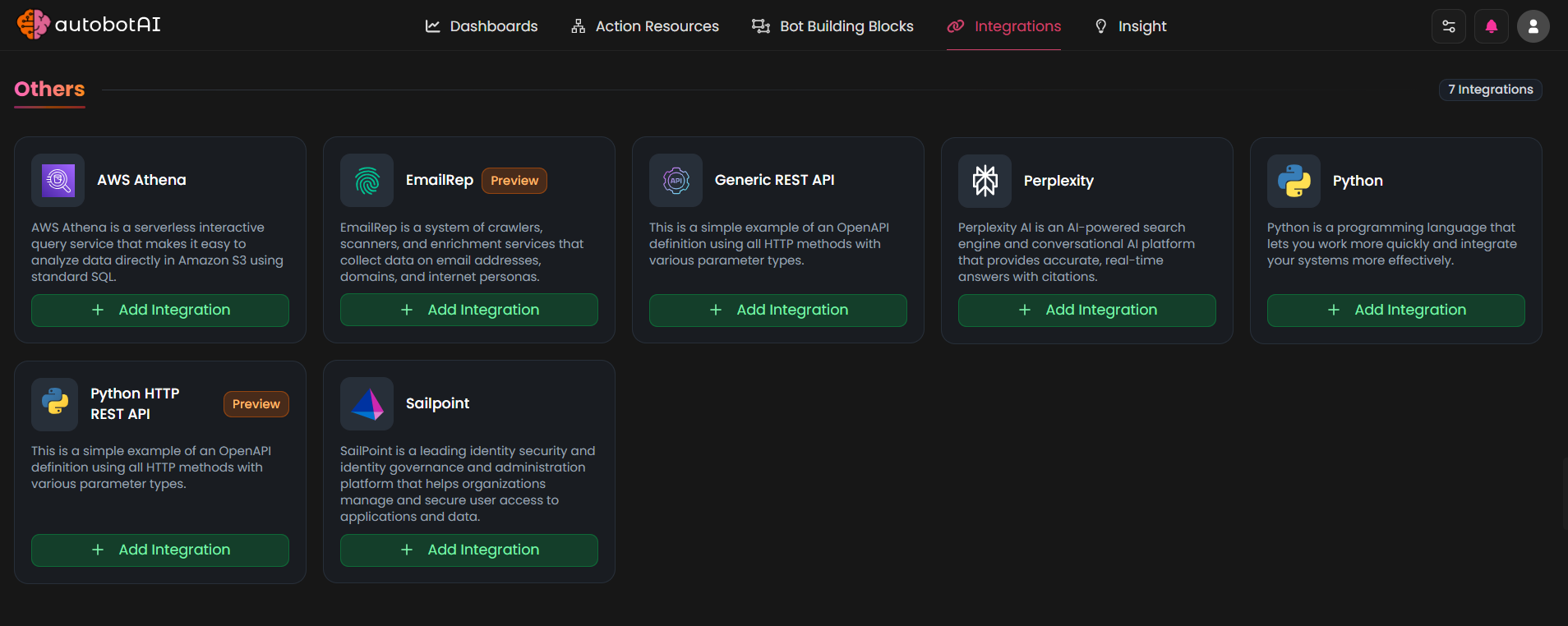
Navigate to the Integrations page by selecting Integrations from the menu. Click the + Add Integration button in the top-right corner to view the list of available integrations.

Step 2:
From the list, under the Other section, select SailPoint + Add to create the SailPoint integration.
Step 3:
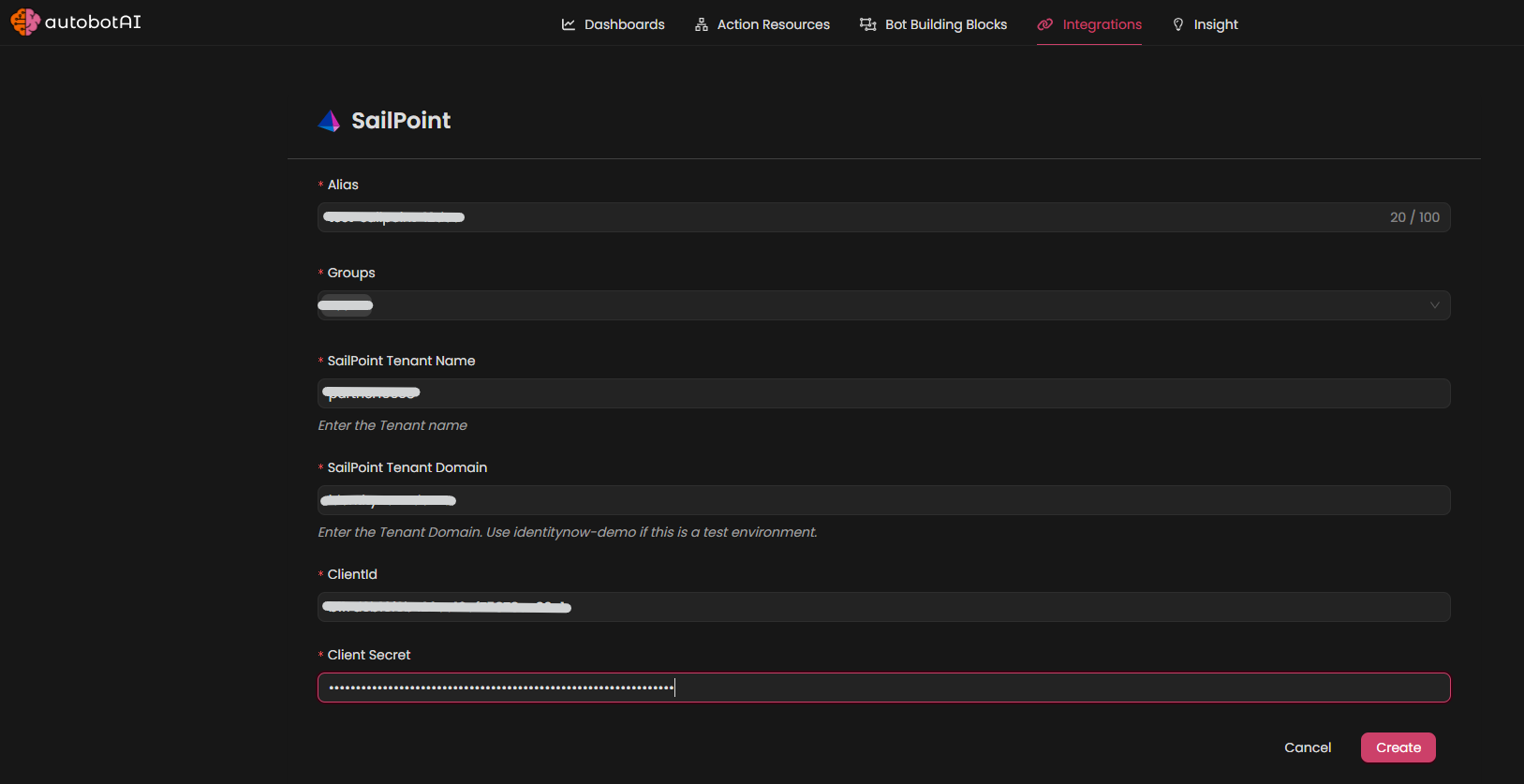
Fill in the required fields as follows:
Note: Fields marked with an asterisk (*) are mandatory.
- Alias : Provide a meaningful name or alias for this integration.
- Tag(Optional): Choose a tag to help organize the integration.
- SailPoint Tenant Name : Enter the Tenant Name (for example
https://[tenantname].identitynow.com) - SailPoint Tenant Domain : Enter the Tenant Domain. Use identitynow-demo if this is a test environment otherwise use identitynow.
- ClientId : Enter the your ClientId
- Client Secret : Enter the your Client Secret
Verify the information, then click Create to complete the integration.
Step 4:
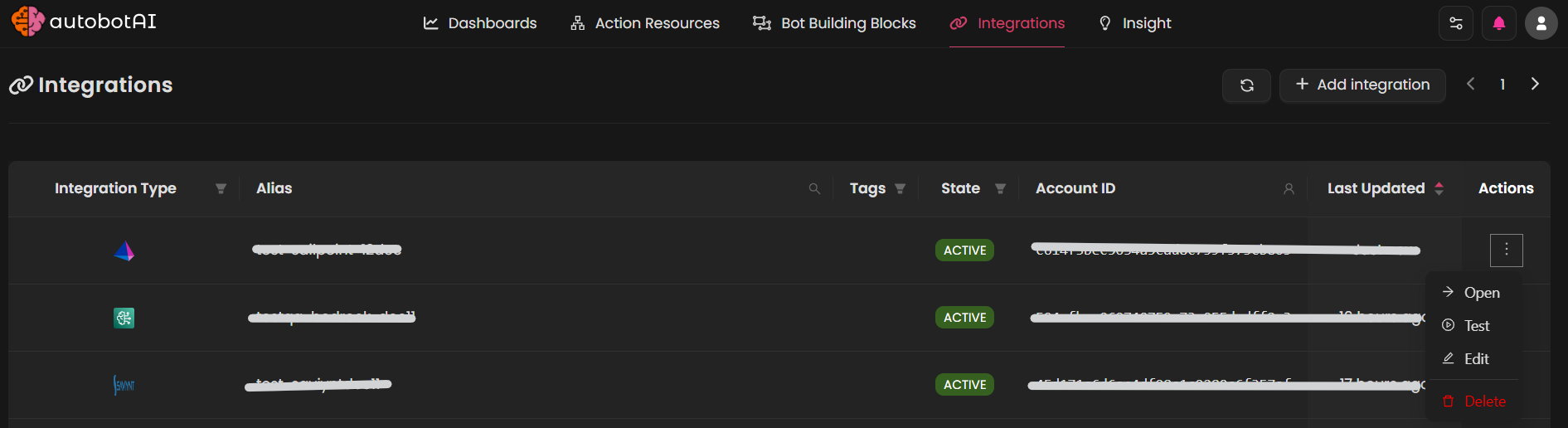
After the integration is successfully created, locate it under Integrations. Click on the three dots on the left side and select Test to ensure your integration is properly configured with autobotAI.
Additional Information
How to Retrieve ClientId and Client Secret
To generate a SailPoint's ClientId and Client Secret, follow these steps:
-
Log in to SailPoint:
Go to your SailPoint tenant URL (e.g.,http://tenant-name.identitynow.com) provided by your administrator and sign in with your SailPoint credentials.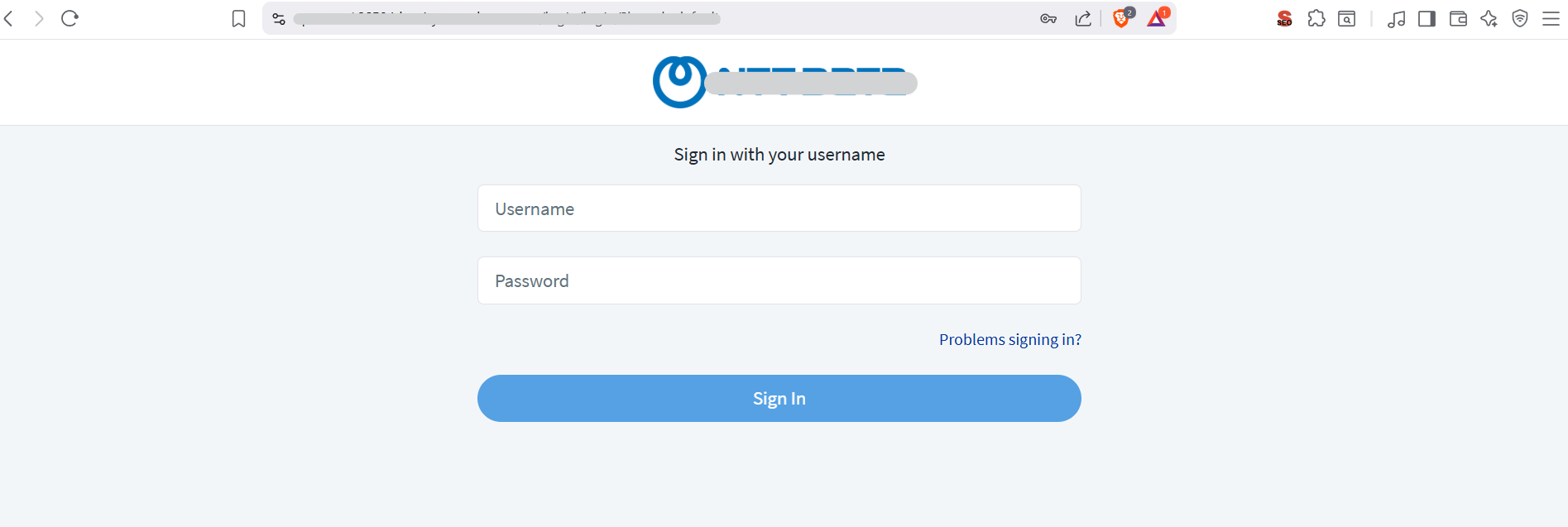
-
Get the Clientid and Client Secret:
-
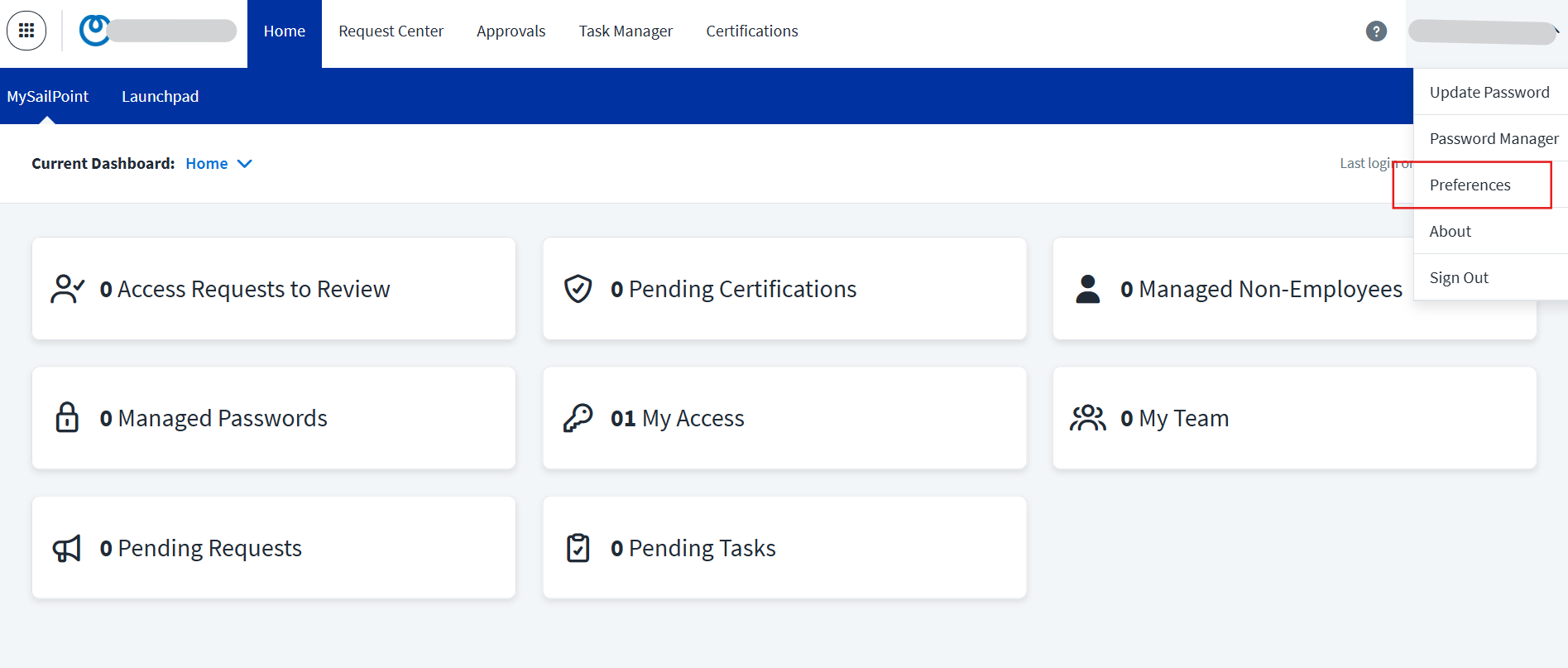
Click the username dropdown menu in the top-right corner and select Preferences from the available options.
-
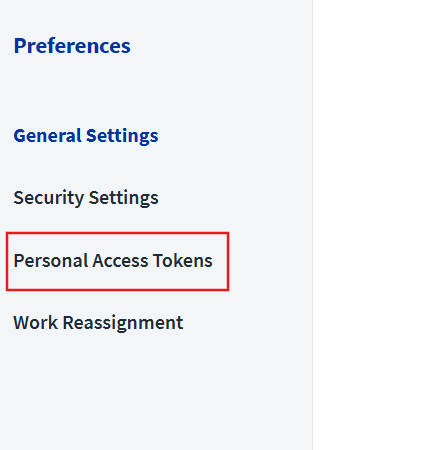
Under the Preferences page, select Personal Access Tokens.
-
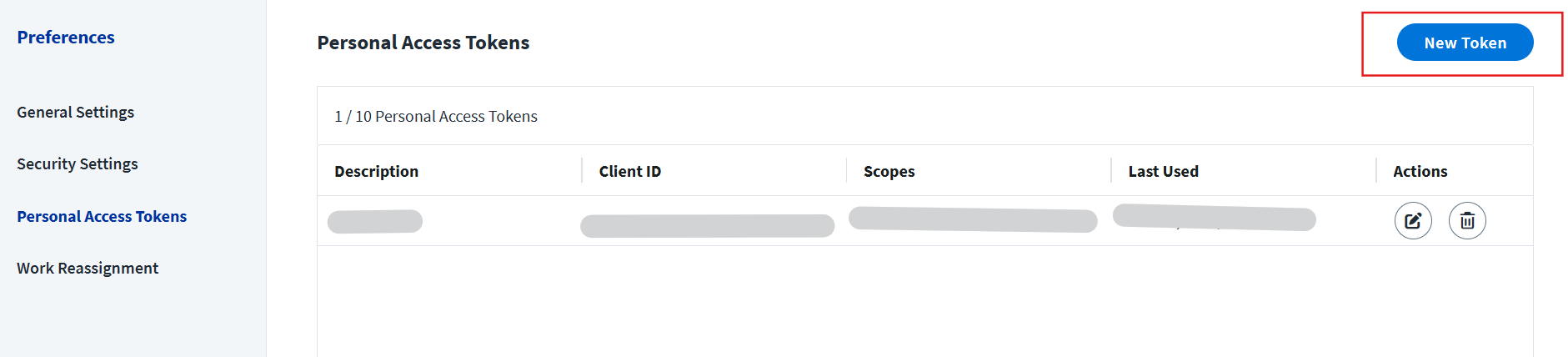
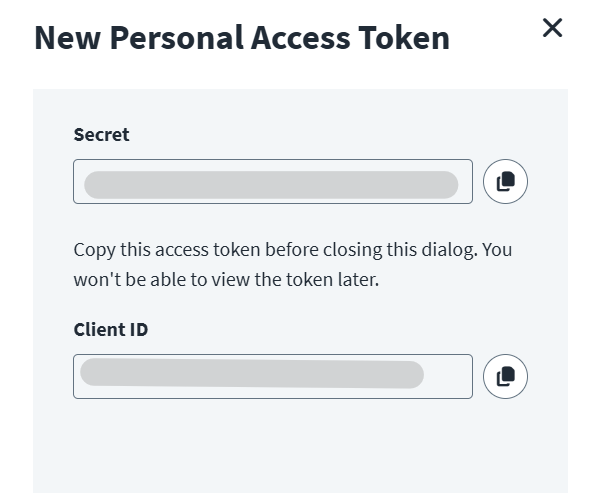
Click New Token, define the required scope, create the token, and copy the generated credentials.
-