Overview
The Ollama integration allows autobotAI to use locally hosted large language models for various applications, such as natural language processing and content generation. This integration enables you to automate tasks utilizing AI models directly on your infrastructure, enhancing your workflows and maintaining data privacy. By setting up this integration, you can connect your Ollama instance to autobotAI for seamless and secure access to its AI capabilities.
This guide provides instructions to set up Ollama integration in your autobotAI account. By completing this process, you will connect your Ollama account and its associated resources to the platform.
Prerequisites
Before starting, ensure you have:
- Host Url: Your Ollama Host Api Url.
Steps to Set Up Ollama Integration
Step 1:
Go to the Integrations page by selecting Integrations in the menu. Click the + Add Integration button located in the top-right corner to view available integrations.

Step 2:
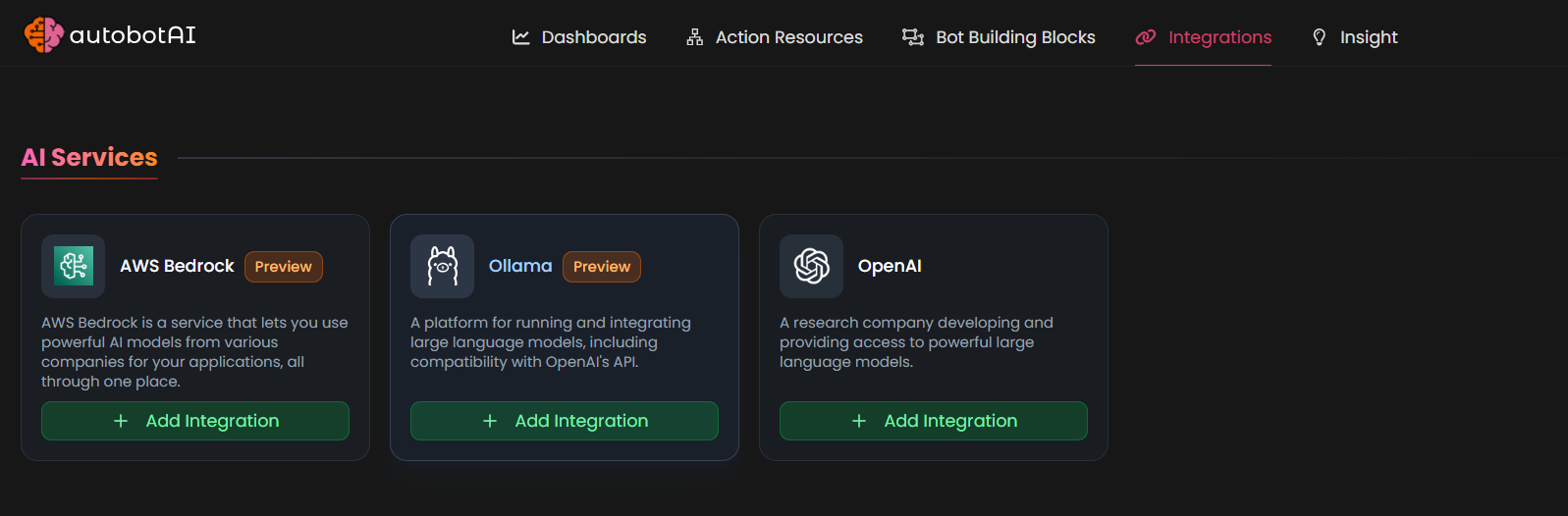
From the list under AI Services, select Ollama + Add to create the Ollama integration.
Step 3:
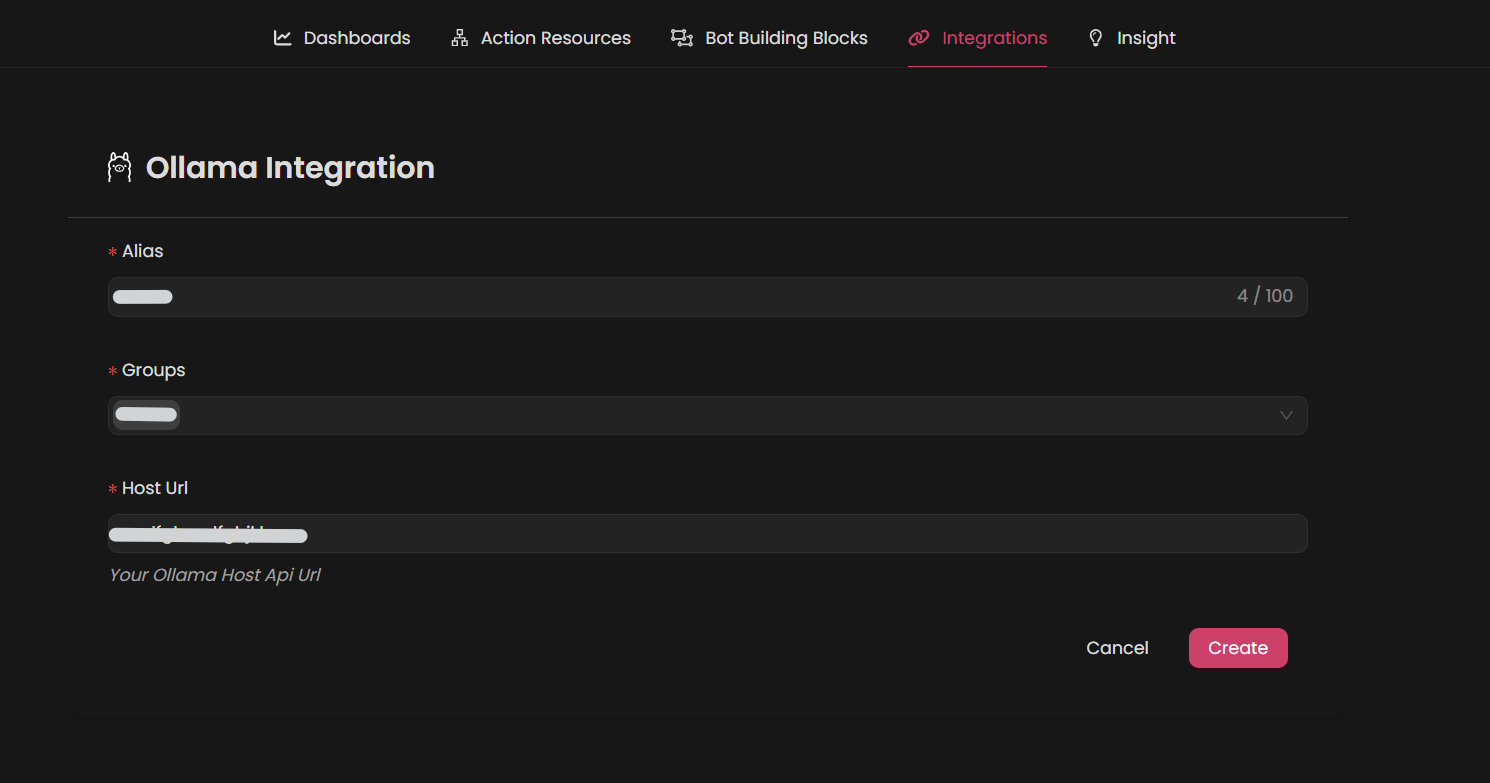
Fill in the required fields as follows:
Note: Fields marked with an asterisk (*) are mandatory.
- Alias: Provide a meaningful name or alias for this integration.
- Tag(Optional): Choose a tag to help organize the integration.
- Host Url: Your Ollama Host Api Url.
Step 4:
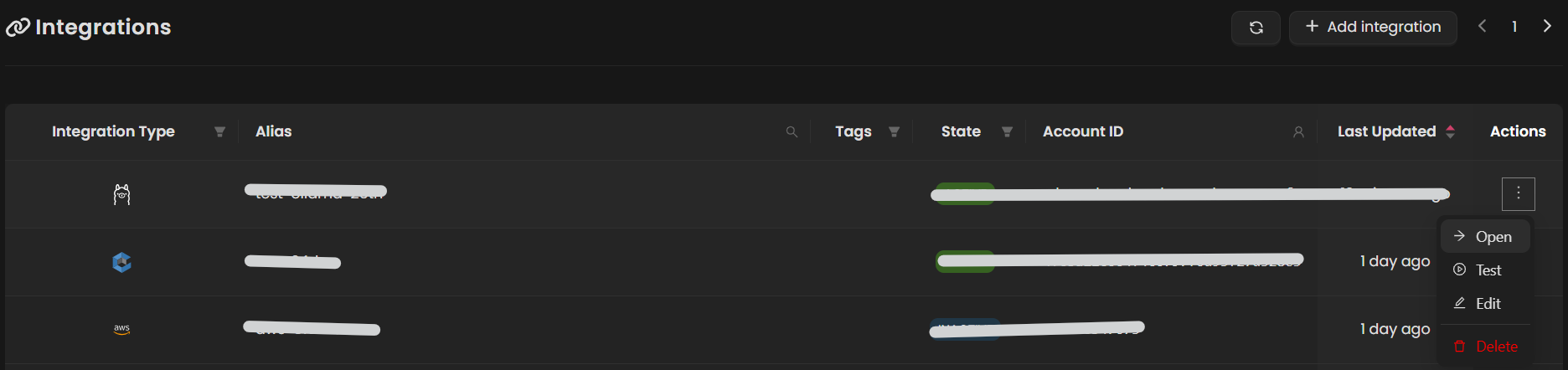
Once the integration is created, locate it under Integrations. Click on the three dots next to it, select Test, and ensure your integration is configured correctly with autobotAI.